Online shop connected to the warehouse
The shop asks the warehouse about stock through an API, and the stock level updates by itself. This is how we built the shop for Label Art.
Your team retypes the same data between the shop, the warehouse and the sales software. We connect the systems you already use, so an order entered once reaches the others by itself.
A list of the tools you use is enough.
/The challenge
Your systems were not designed to work together. You pay for this twice: in hours spent retyping, and in decisions made on numbers that do not match. When data comes by email or as a PDF, we add automatic document reading (process automation).
Example: at Label Art we connected the online shop to the internal warehouse system, so stock levels update by themselves, with no retyping between tools.
/What we deliver
/Scenarios
The shop asks the warehouse about stock through an API, and the stock level updates by itself. This is how we built the shop for Label Art.
Client orders go straight into the sales system, with no retyping from emails.
A shared integration layer brings the suppliers' data into one model. This is how HistoriaSzkod.pl works.
You order delivery by post or courier from the same screen where the list of recipients was made. This is how Promolist works.
/How it works
An example based on the integration we built for Label Art: the shop asks the client's warehouse system about stock, and the salesperson does not check it by hand.
A customer orders in the shop
The order enters the system once, with no retyping.
Order #1042: T-shirt, navy, L, 250 pcs
The integration checks stock
It pulls stock from the warehouse via its API, so the shop shows what is available.
Your team sees the result
Stock in the shop updates itself. Nobody calls the warehouse.
Order confirmed. 90 pcs left.
The numbers are examples. The order flow and the warehouse stock sync come from our Label Art project.
/Portfolio
Projects from our portfolio: what we built and what it achieved.
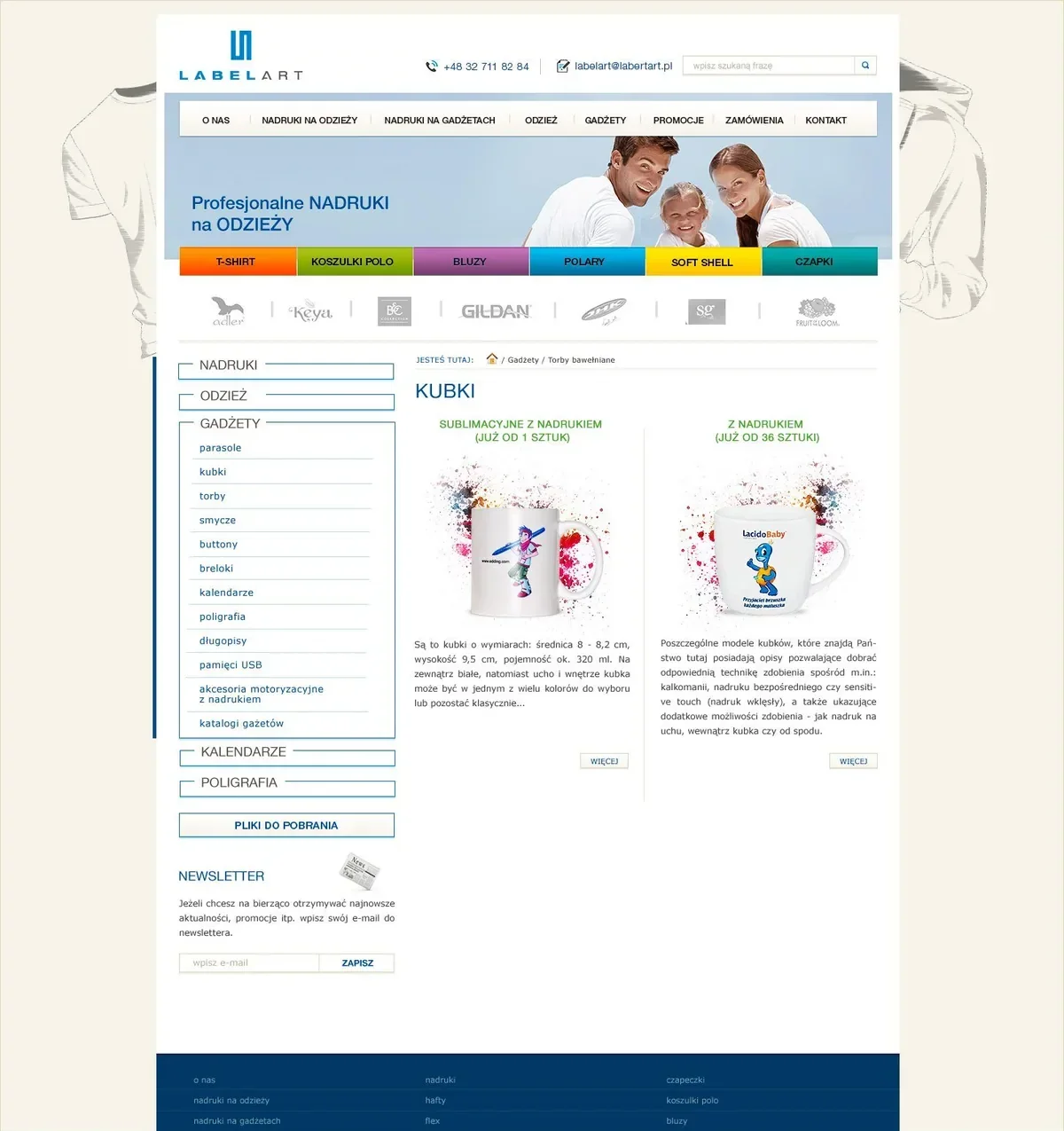
Advertising / e‑commerce
An online shop with a product configurator and warehouse integration: from brand identity to launch.
Scopeorders placed online, without a phone call
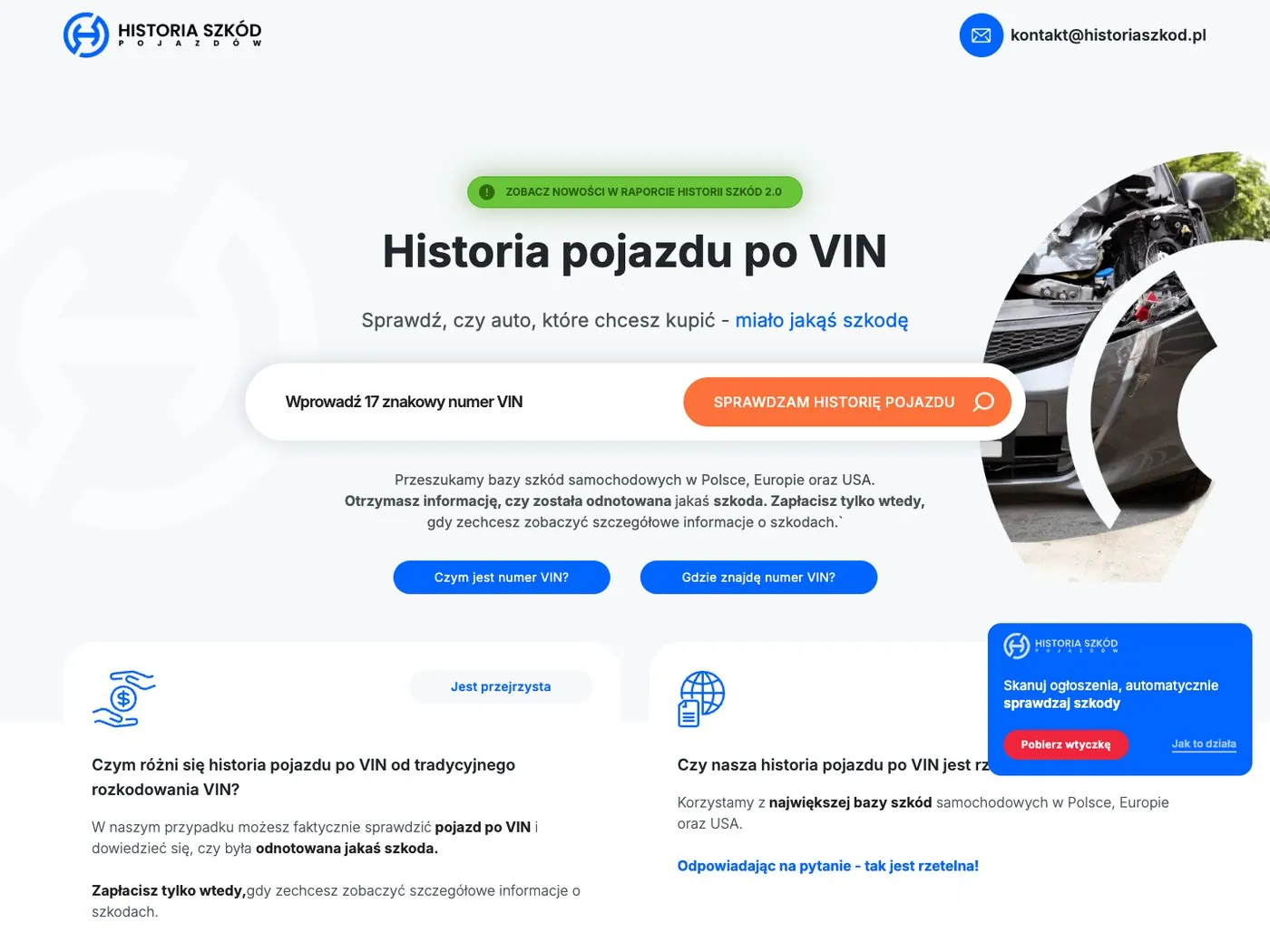
Automotive / SaaS
A platform and API that check a car's damage history by VIN: many data sources, online purchase.
Resultthousands of API requests a day
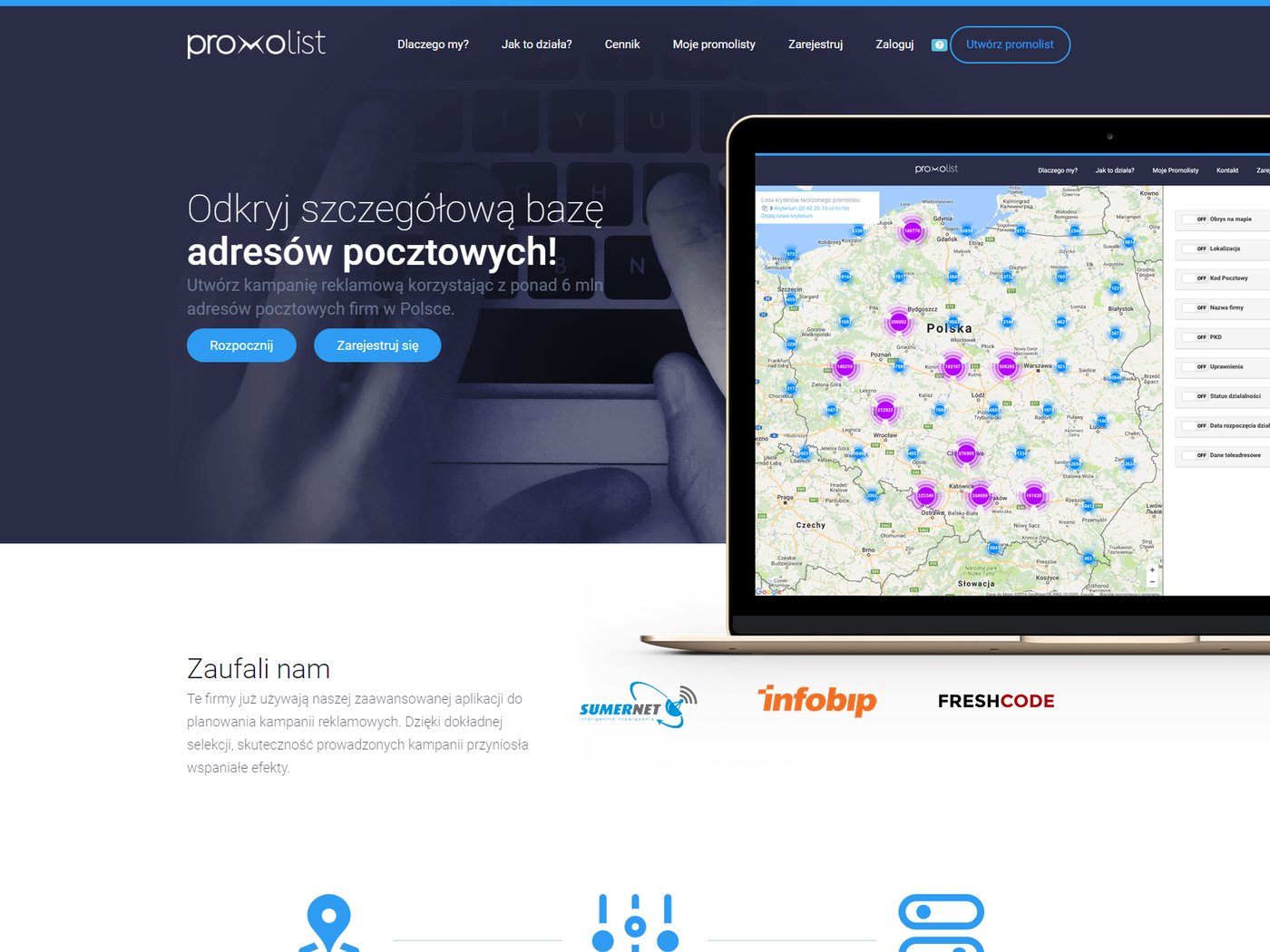
B2B / marketing
A database of 5.4 million companies with map search and postal mail-outs ordered from the same system.
Result5.4 million+ companies in the database
/Process
A list of systems and fields that must match. 3–10 working days.
Integration design and field mapping. 3–5 days.
The integration runs alongside your current process. 2–6 weeks.
Ongoing supervision and response to changes in the systems.
/Who it is for
Tell us which data you retype by hand. We will point to the first connection to build.
Describe your process ⟶